To provide the best possible service and resolve your issue efficiently,
a support technician may need to view your computer screen exactly as you
see it. If needed, our support staff will ask you to click the Remote
Assistance button to launch the remote viewer and will guide you step by
step through the simple process of connecting.
You can add a new Envira album easily. Albums are very similar to Galleries, but instead of a collection of images, an album is a collection of galleries. The galleries must be created and published first. If you need to create a new image gallery, see our article titled “How to Add a New Envira Album.”
Here is how to add a new Envira album:
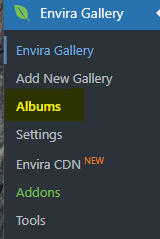
Once logged in, hover over EnviraGallery in the menu on the left-hand side of the Dashboard and click Albums.
Click Add NewEnvira Album at the top of the page.
Click the title box “Add title” and type in your title.
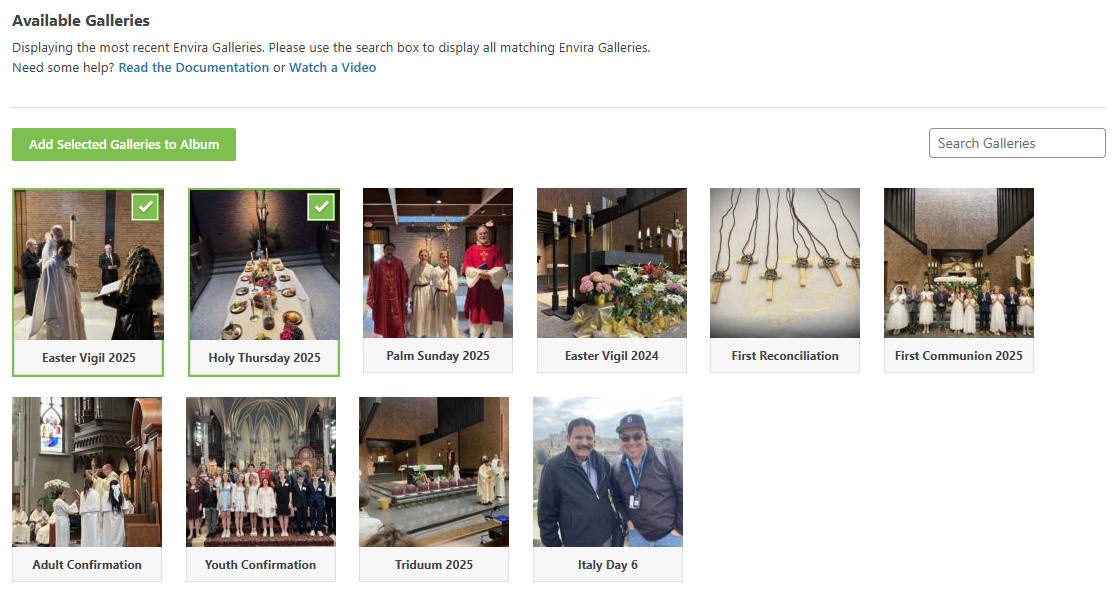
Drag and drop galleries from the “Available Galleries” OR select Galleries below and click the Add Selected Galleries to Album button.
All settings in the Configuration and Lightbox tabs are automatically set to be the same as previous galleries, but you may change these as needed.