Skip to main content
Web Knowledge Base
How Do I Delete Items From My Menu?
You can delete items from your menu easily. Editing your menu can mean either adding items, rearranging them, or deleting items from your menu.
Here is how to delete items from your menu:
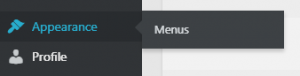
- Once logged in, hover over Appearance in the menu on the left-hand side of the Dashboard, select the Menus option to bring up the Menu Editor.
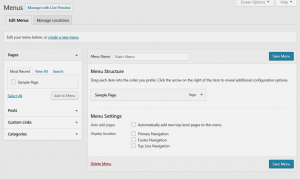
- Locate the menu item that you want to remove in the Menu Structure box.
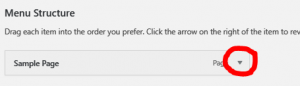
- Click on the arrow icon in the top right-hand corner of the menu item/box to expand it.
- Click on the Remove link. The menu item/box will be immediately removed.
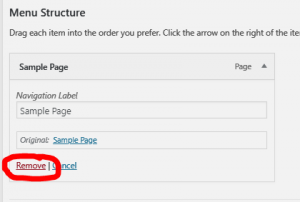
- Repeat these steps for each menu or sub-menu item, as necessary.
- Click the blue Save Menu button to save your changes.
